How to Track SF Airlines Cargo
Following the journey of SF Airlines Air cargo is possible via the airline's official website or through a reliable third-party shipment tracking platform. In either case, customers must have the airway bill number for the cargo in question to use the service. Below is a detailed breakdown of how to use both channels to track the progress of any cargo.
-
Via the SF Airlines Cargo Official Website
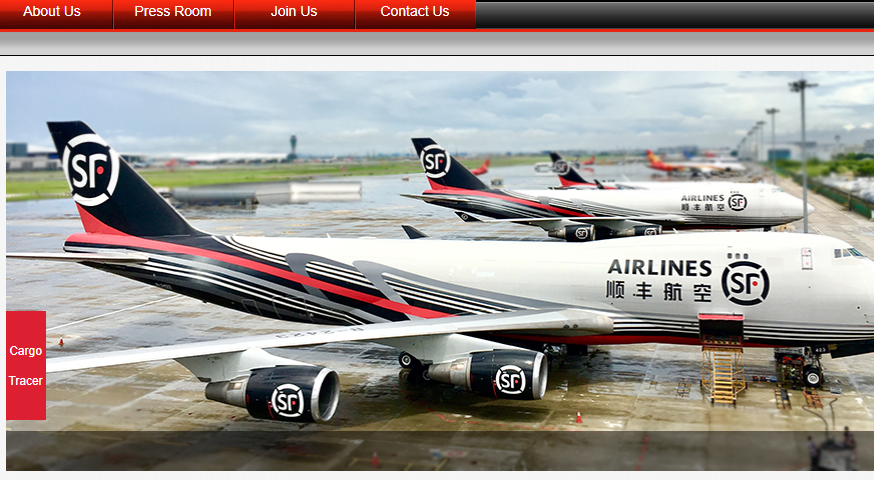
You can quickly track a SF Airlines Cargo shipment in real time on the official website through the following procedure
- Open the SF Airlines Cargo website on a browser.
- Navigate to the "cargo tracker" button on the side.
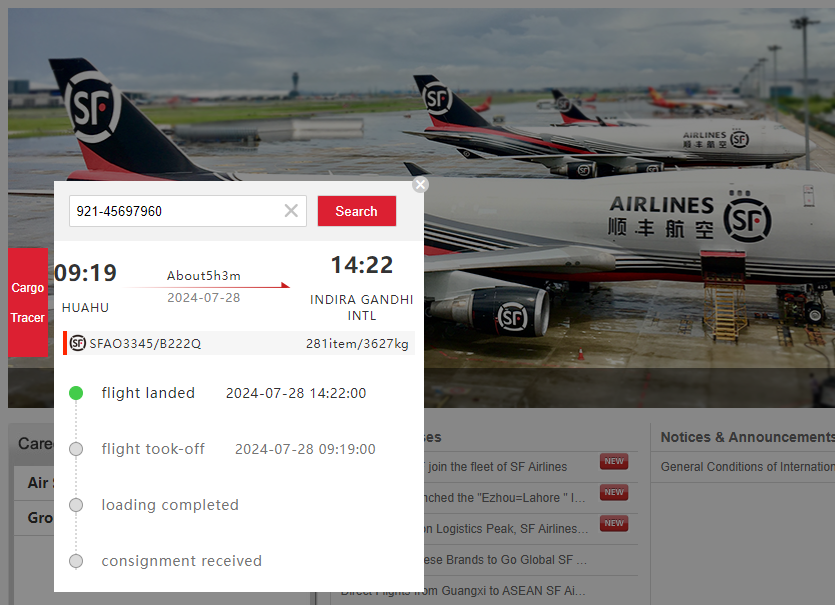
- Without clicking, a pop-up window will appear with a search field to enter your AWB number.
- Click "Search" and wait for the tracking results to appear.
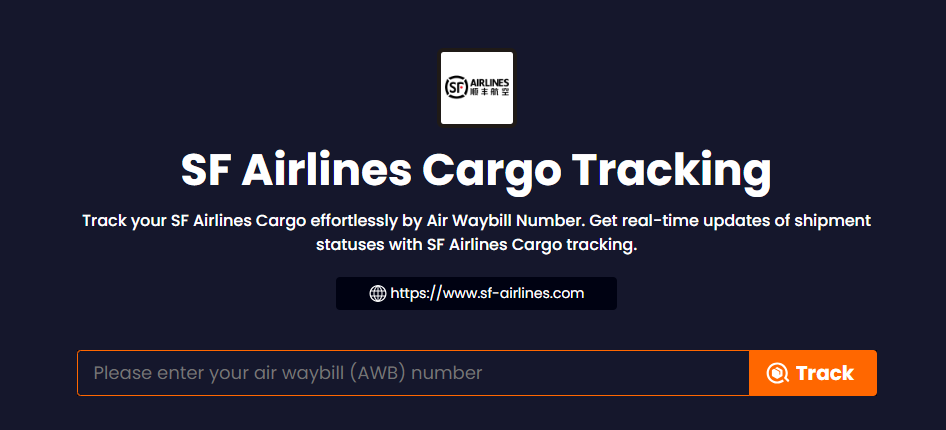
TrackingMore is a multi-carrier shipment tracking platform that allows users to monitor the status of their air cargo across more than 80 air carriers, including SF Airlines Cargo. Here’s how you can use TrackingMore’s air waybill tracking tool:
- Open the TrackingMore website.
- On the homepage, navigate to the Products section and select Air Waybill Tracking from the list of products.
- Enter your AWB (Air Waybill) number in the designated tracking field.
- Click the "Track" button to retrieve the latest tracking status of your shipment.
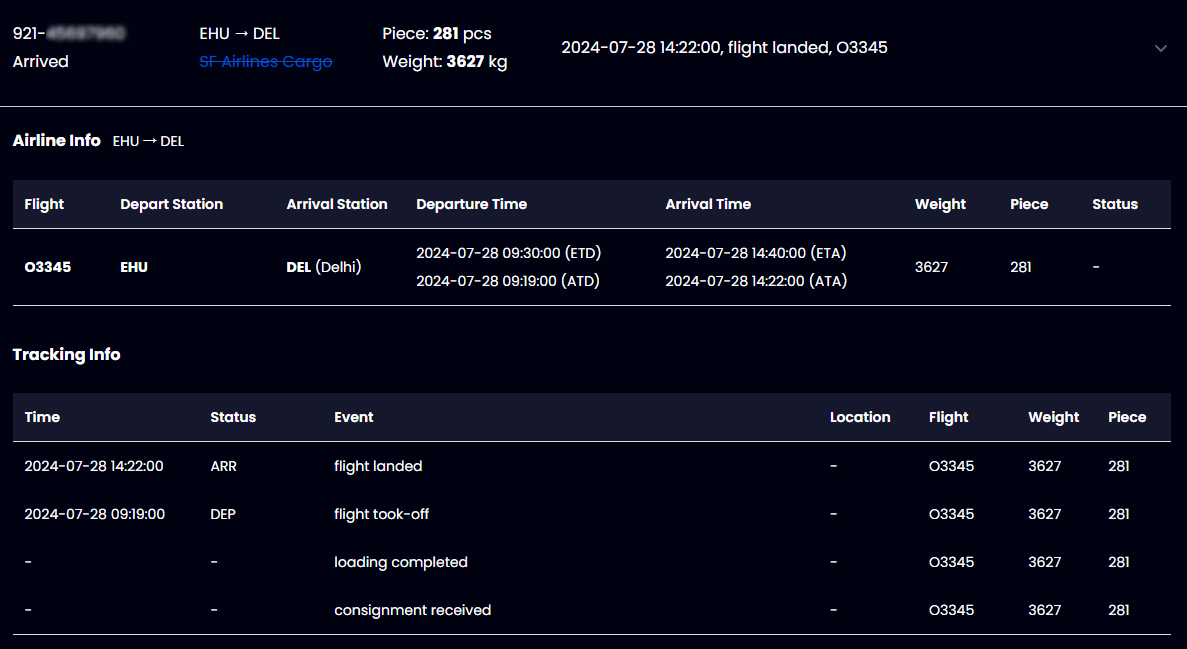
- Once you have entered the necessary details, TrackingMore will fetch the most recent information about your cargo and display it on a new page.
Discover the essential tracking statuses offered by TrackingMore for your cargo insights.
|
STATUS CODE
|
DESCRIPTION
|
|
Pending
|
The cargo is being tracked.
|
|
Booked
|
Information has been sent, waiting for the logistics provider to pick up the cargo.
|
|
Received
|
The logistics provider gets the cargo.
|
|
Transit
|
In transit.
|
|
Arrived
|
The cargo arrived at their destination.
|
|
PickUpNotified
|
Notify the consignee to pick up the cargo.
|
|
Delivered
|
The cargo are delivered to the consignee.
|
|
Exception
|
Packages were lost, damaged, returned, unclaimed, etc.
|
|
Expired
|
Shipping too long.
|
|
Notfound
|
Notfound.
|
SF Airlines Cargo Tracking API
Seamlessly integrate technology and logistics with the TrackingMore Air Cargo Tracking API, a comprehensive solution that brings real-time visibility to the forefront of cargo management. This powerful tool gives you visibility into the status, condition, and exact location of your shipments across a network of over 80 top airlines, ensuring your cargo is always in sight, no matter where it’s headed.
For businesses seeking to elevate their supply chain operations, the TrackingMore Air Cargo Tracking API is the key to unlocking advanced tracking capabilities. Not only does the TrackingMore API improve operational efficiency by simplifying the tracking and management of shipments throughout the shipping process, but it also significantly increases customer satisfaction.
Sign up for an account and dive into the TrackingMore Air Cargo Tracking API with a free 14-day trial.
About SF Airlines Cargo
SF Airlines is China's first private express airline. It was established in 2009 and is headquartered in Shenzhen, Guangdong. It has three major aviation hubs in Hangzhou, Beijing, and Ezhou that operate in coordination, forming a comprehensive logistics service network that integrates "Skynet + Ground Network + Information Network". It is committed to providing customers with safe and efficient express air transportation services and customized air logistics solutions.
SF Airlines Customer Service
For any inquiries or assistance with your cargo logistics, don't hesitate to reach out to the SF Airlines customer service center. They are equipped to provide you with the necessary guidance and support to ensure a smooth and efficient cargo-handling experience.
Contact Address:
No. 1111, Hangzhan 4th Road, Bao'an International Airport, Shenzhen, Guangdong Province, 518128, P.R. China



 Shipment management
 Automation & Integration
 Developer Resources