trackingmore-logo

Simplify shipment tracking with CSV import

Easily upload your tracking numbers in bulk using a CSV file and get instant updates on all your shipments.

csv-bulk-tracking-hero-banner
Get started free
Get started free

Why CSV Tracking Matters?

With the ability to upload thousands of tracking numbers at once, your workflow becomes more efficient.

csv-import-value

Simplify your shipment tracking

CSV bulk upload

Quickly upload large batches of tracking numbers and manage them efficiently.

  • Instantly upload up to 10,000 tracking numbers per batch
  • Support Google Sheets import option
  • CSV update & export functionality
  • Manage all shipments from a single dashboard
csv-bulk-upload
auto-carrier-detection

Automatic carrier detection & correction

Automatically detects and fixs carriers for tracking numbers without any manual uploads or matching.

  • Support 1,562 carriers worldwide
  • Detect carriers based on your custom carrier preferences
  • Use a self-developed AI model (LightGBM) for smarter detection
scheduled-tracking-reports

Scheduled tracking reports

Generate customized tracking reports on a schedule with ease. You can use labels to organize different shipments and set up separate reports for each.

  • Include more than 50 fields to capture all shipping details
  • Customize report frequency (daily, weekly, monthly)
  • Send tracking reports to multiple email addresses
Start your 14-day free trial

Step-by-step guide to CSV tracking

This guide walks you through how to track orders with CSV import.

step-1

Locate the dashboard

To get started, sign up for a TrackingMore account or log in to access our shipment dashboard.

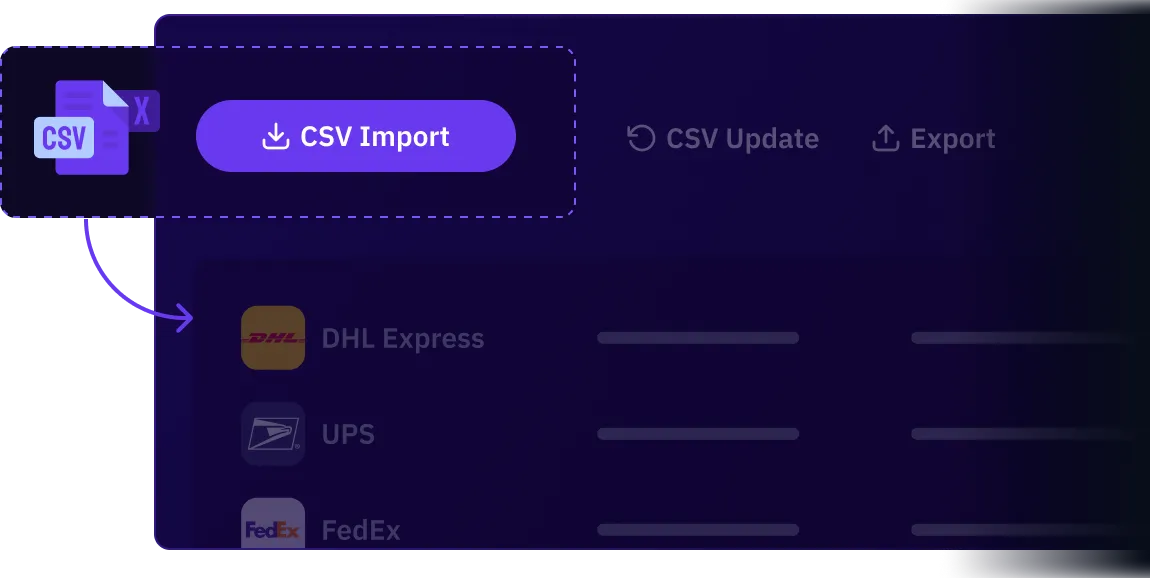
You will find the "CSV Import" button at the top of the dashboard.

step-arrow
step-2

Prepare your CSV file

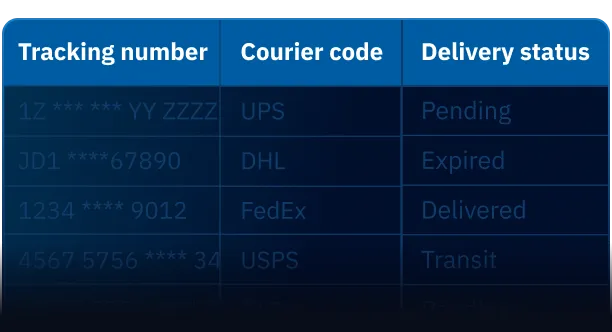
Download the template and fill it out with the required fields: Tracking number and courier code.

You can also include additional shipment details such as order number, recipient name, or destination for better clarity.

step-arrow
step-3

Track your shipments

Upload your CSV file to start tracking. The first updates will appear on the dashboard within 4–6 hours, and shipment statuses will continue updating automatically.

You can click "Export" to download your shipment data instantly, or select "Periodic Export" to receive your data automatically on a regular schedule in your inbox.


Frequently asked questions

The CSV import feature can save you a lot of time and reduce tracking errors. With TrackingMore’s carrier detection, CSV import is even easier because our system automatically identifies the carrier for each tracking number. You don’t need to integrate with an API - just import your CSV and enjoy effortless tracking!

TrackingMore

Turn tracking into your competitive advantage

Get started free
Get started free