

Simplify shipment tracking with CSV import
Easily upload your tracking numbers in bulk using a CSV file and get instant updates on all your shipments.

Why CSV Tracking Matters?
With the ability to upload thousands of tracking numbers at once, your workflow becomes more efficient.

Step-by-step guide to CSV tracking
This guide walks you through how to track orders with CSV import.

Locate the dashboard
To get started, sign up for a TrackingMore account or log in to access our shipment dashboard.
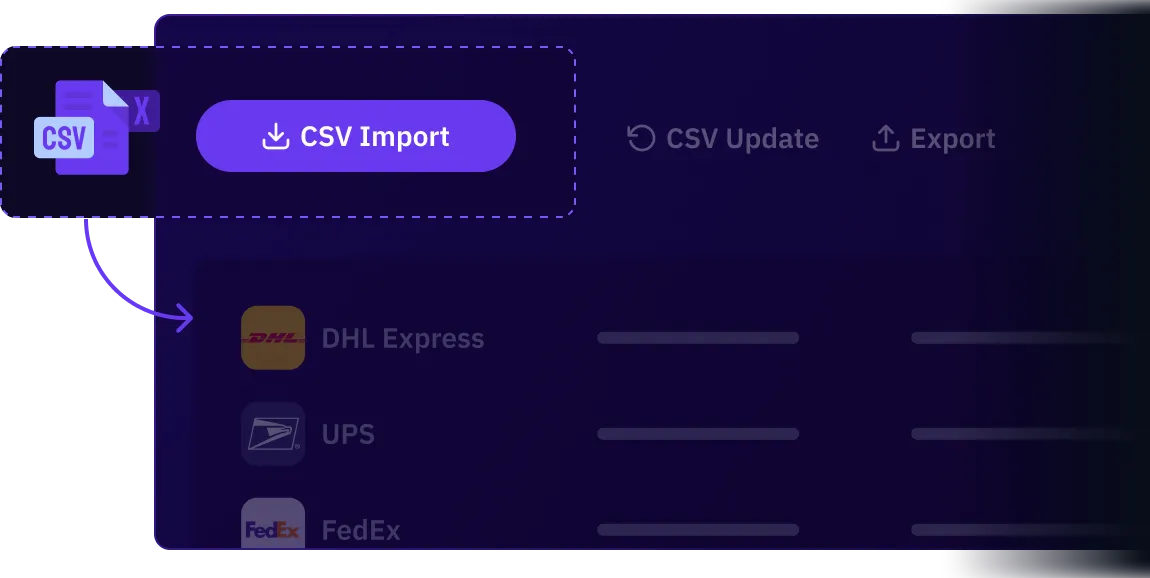
You will find the "CSV Import" button at the top of the dashboard.


Prepare your CSV file
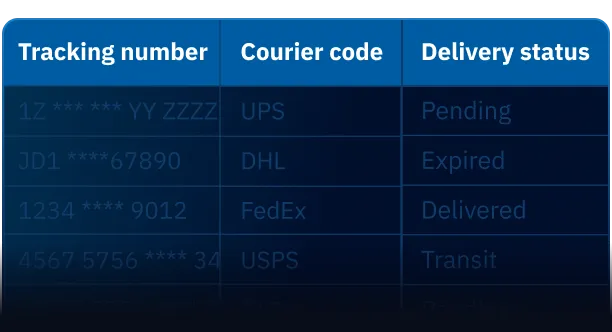
Download the template and fill it out with the required fields: Tracking number and courier code.
You can also include additional shipment details such as order number, recipient name, or destination for better clarity.

Track your shipments
Upload your CSV file to start tracking. The first updates will appear on the dashboard within 4–6 hours, and shipment statuses will continue updating automatically.
You can click "Export" to download your shipment data instantly, or select "Periodic Export" to receive your data automatically on a regular schedule in your inbox.