How Can I Track My Russian Post Package?
Whether you've sent a letter or parcel via the Russian Post EMS courier service, you can track it easily and conveniently using your phone or computer. All you need is an active internet connection and the parcel tracking number to get started.
Here is how to track your Russian Post package to know the delivery status in real-time.
1. Via the Official Russian Post Website
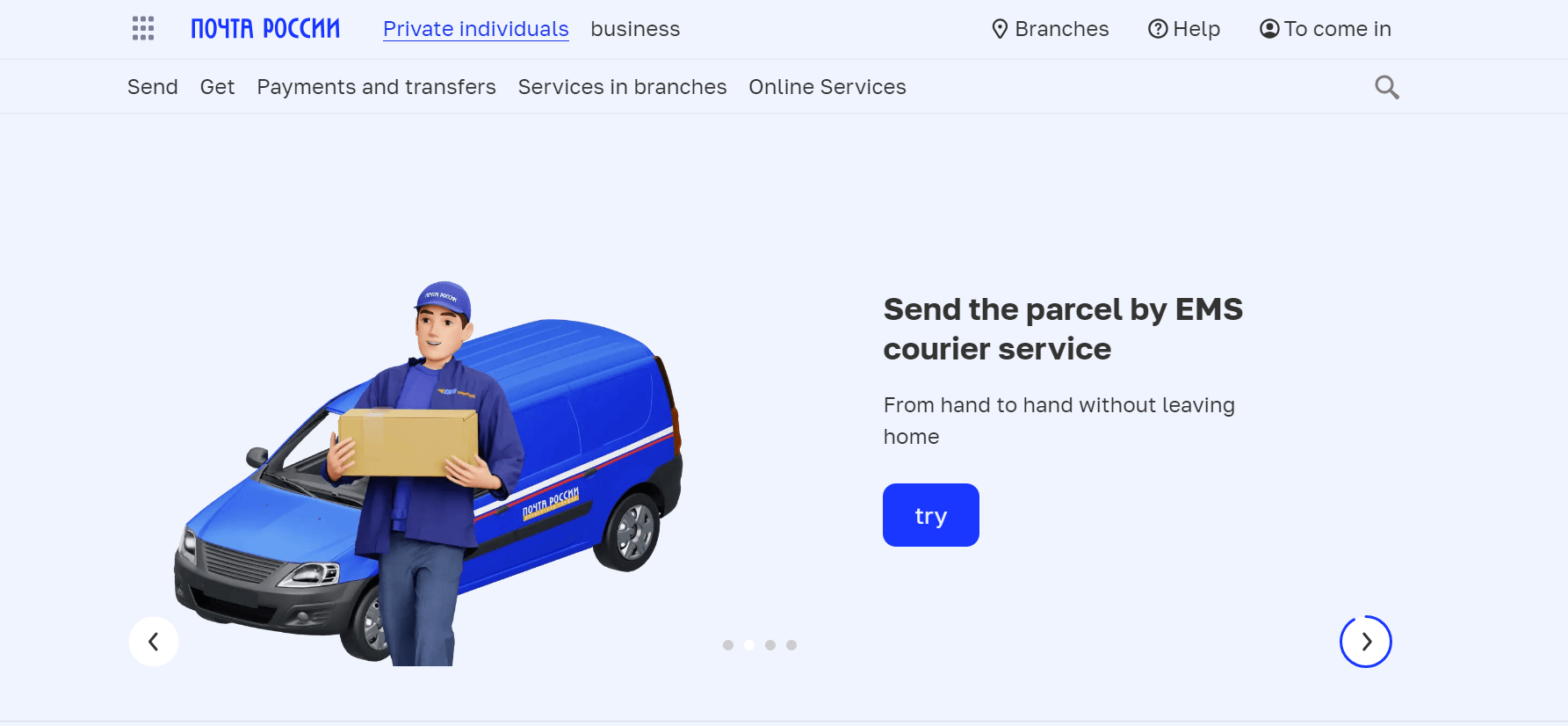
- Open your device browser and go to the official Russian Post website.
- Click the Get tab and select Tracking from the drop-down menu.
- Enter your package tracking number on the search bar.
- Confirm the tracking number and click the search icon to initiate the tracking process.
Note: You can sign up to save your packages’ tracking numbers and receive shipment notifications.
The website will redirect you to a tracking results page. This page shows the current shipping status of your package and its movement history, as shown below.
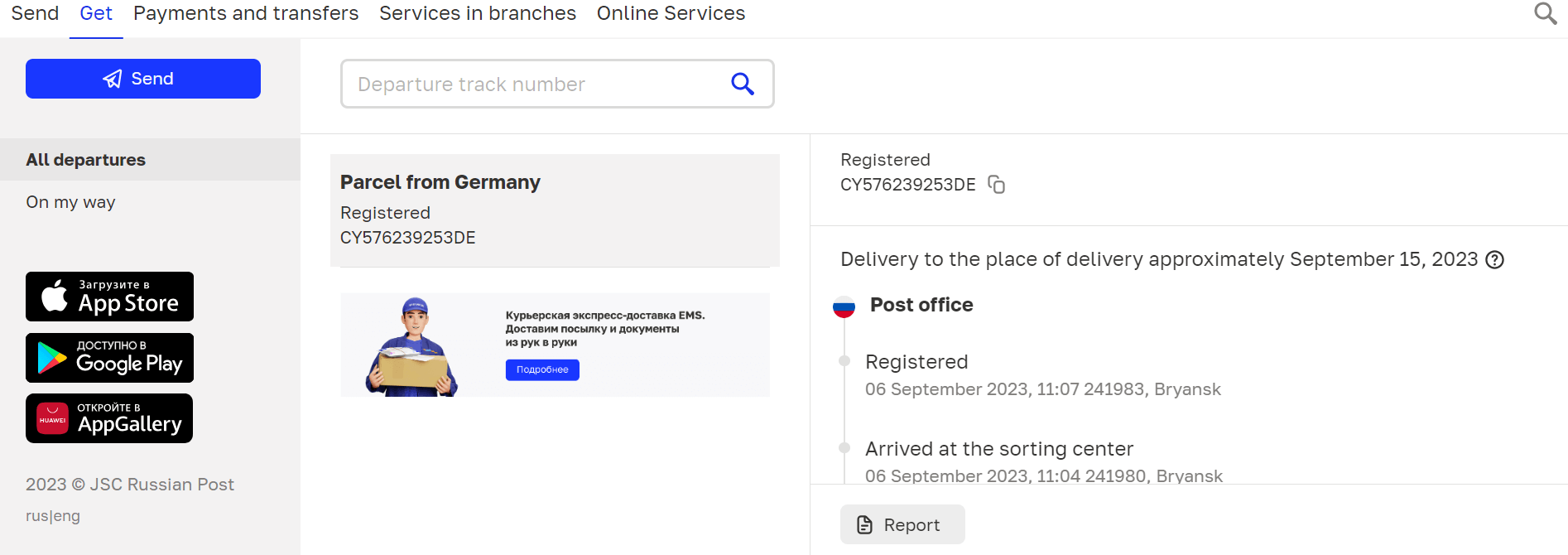
You can also print, save, or share the shipping report when necessary by clicking the Report button and choosing your desired destination.
2. Via the Russian Post Mobile App
Russian Post has a powerful mobile application with over 10 million downloads on Google Play Store. With this application, everything is easier and faster, including tracking, subscription, and processing of parcels.
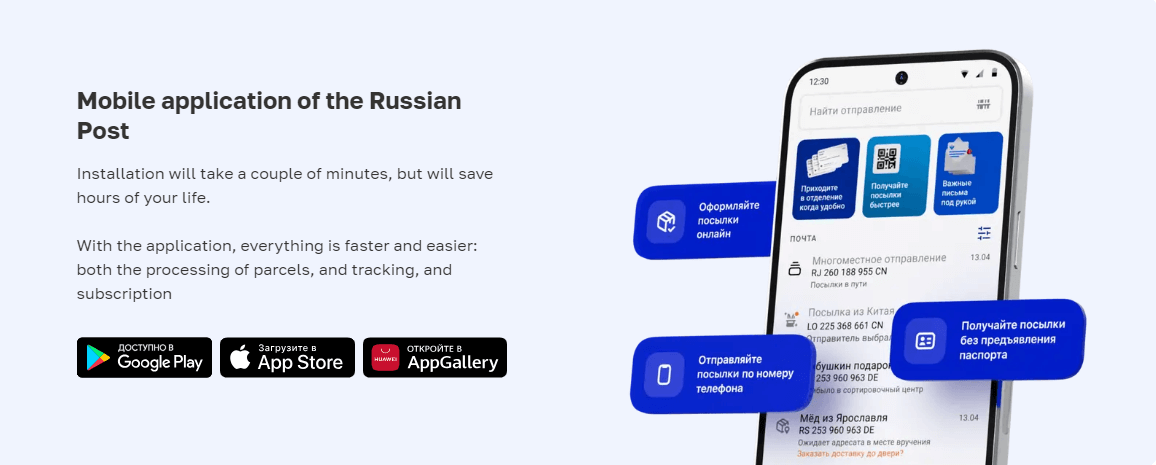
Here’s how to track your parcel using the Russian Post mobile application.
- Download and install the Russian Post mobile app.
- Open the app and click the Parcel Tracking icon.
- Enter your parcel tracking number and click Submit.
The app will provide real-time shipping information about your package, including its current location and movement history.
3. Via TrackingMore
TrackingMore is an all-in-one package tracking platform that allows you to effectively track your parcels and get their real-time shipment statuses. Here’s how to track a Russian Post parcel through TrackingMore.
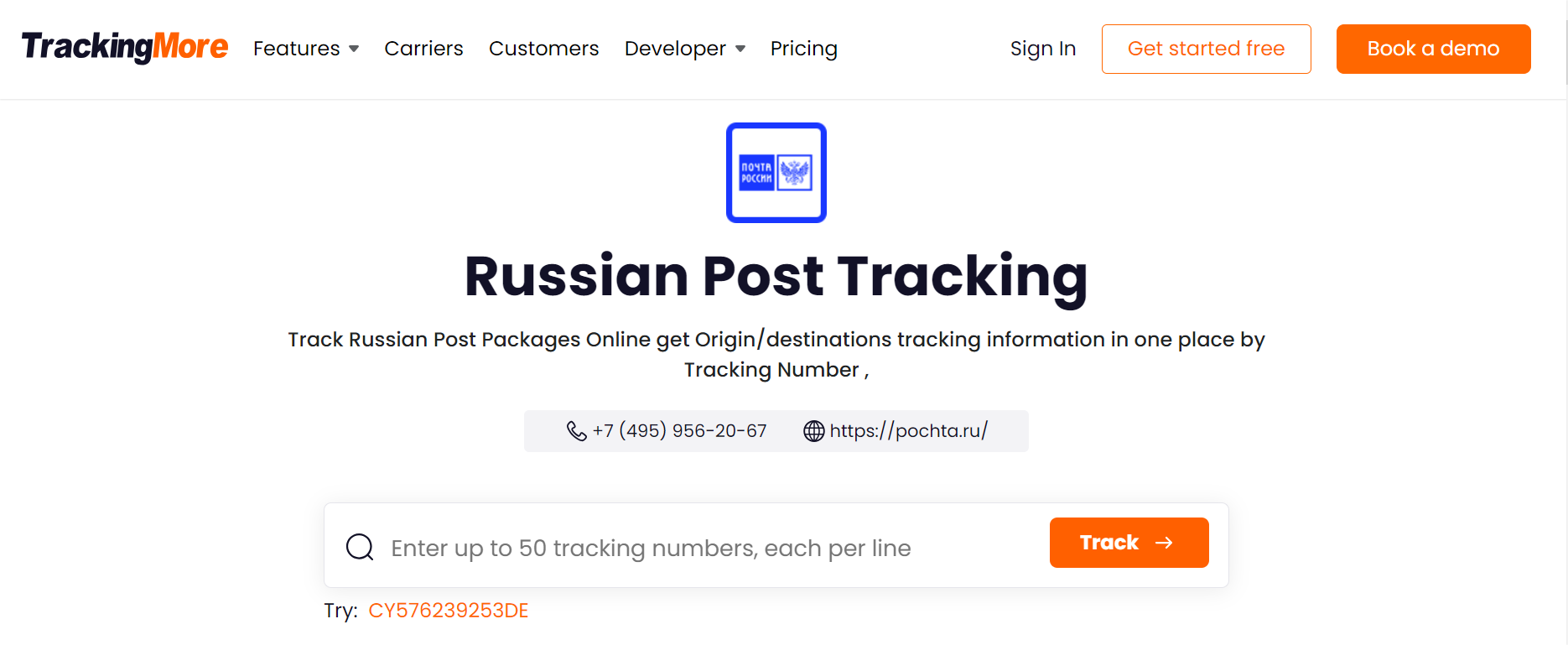
- Go to the TrackingMore website.
- Click Carriers to open the carriers page.
- Scroll down to the Carriers List section and enter Russian Post on the search bar.
- Click the carrier to open the Russian Post tracking page. Alternatively, you can go directly to this Russian Post tracking page to skip the previous steps.
- Enter your package tracking number and click Track. You can enter a maximum of 50 tracking numbers at once to save time.
Once you’ve clicked the Track button, you will be taken to the tracking results page, which shows the real-time status of your package and its movement history, as shown below.
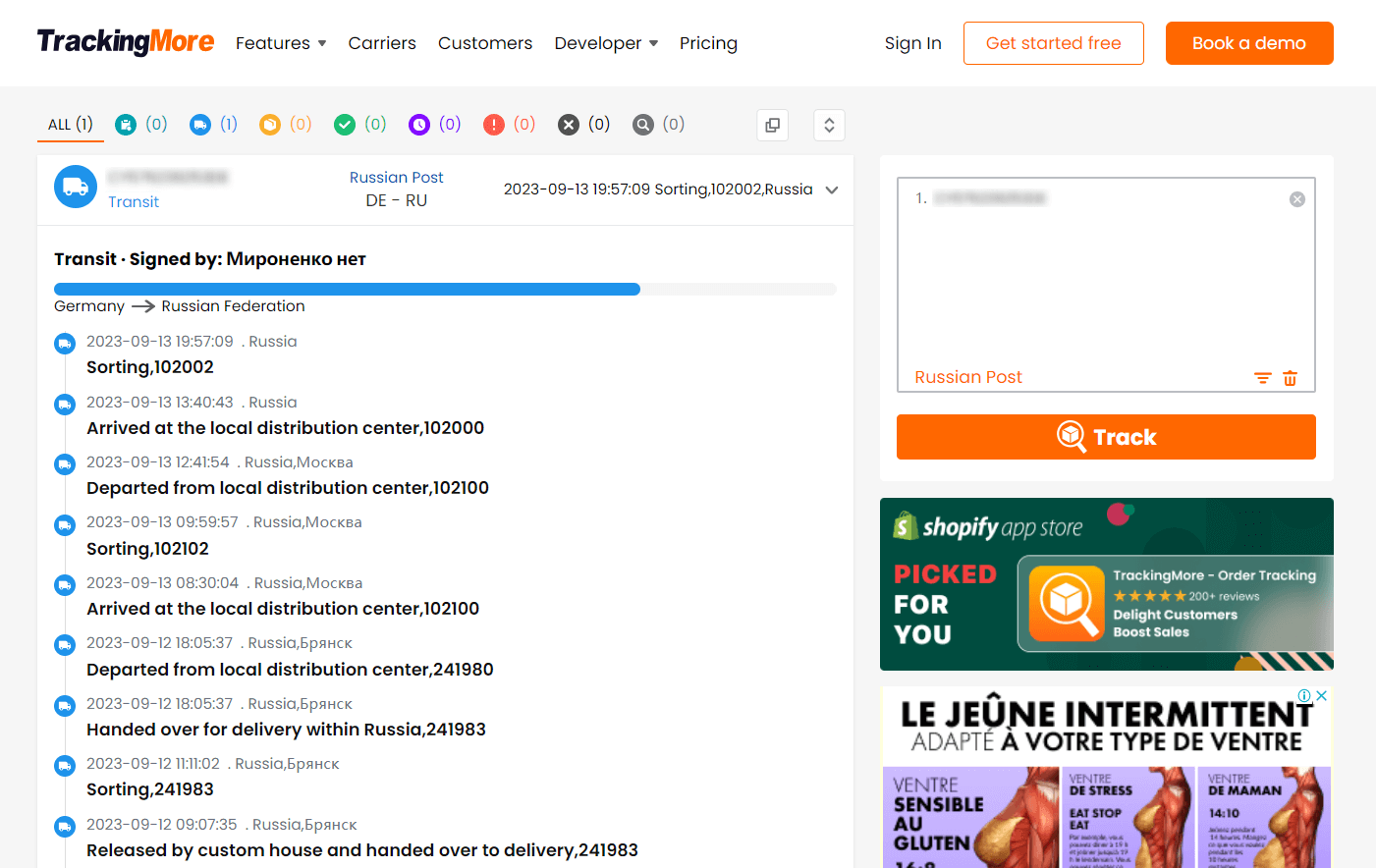
TrackingMore provides real-time details of your Russian Post parcels, enabling you to stay in control of your packages while in transit. With TrackingMore, you can track packages from over 1,100 logistics service providers (LSPs) globally. These include prominent LSPs like FedEx, USPS, UPS, and DHL Express. This makes it a one-stop solution for tracking packages shipped via different LSPs worldwide.
What’s more, TrackingMore is available in 15 languages. This makes it widely usable by users from different locations in the world.
TrackingMore offers one of the most robust shipment tracking APIs. E-commerce businesses can integrate this API into their systems to effectively track and manage their shipments in one platform. Sellers can enjoy an end-to-end view of all their package statuses by incorporating this API. On the other hand, customers can seamlessly track their parcels throughout the delivery journey.
Russian Post Tracking Number
A tracking number is a unique identification number attached to a shipment or parcel. It is used by senders, carriers, and recipients to track the progress of their packages throughout the delivery journey.
Tracking numbers vary in length and format depending on the logistics or delivery service provider. Russian Post uses 13 and 14-digit long tracking numbers. Here are some examples and formats of Russian Post tracking numbers.
- 4 letters + 9 numbers: CY576239253DE
- 14 numbers: 11753585515754
What Does My Russian Post Status Mean?
|
Status
|
Meaning
|
|
Accepted at the post office
|
The parcel has been received at the post office in Russia (for local shipment) or in another country (for international shipment)
|
|
Arrived at the “Country X” border
|
Your parcel has arrived at the origin country’s border.
|
|
Shipped from “Country X” border
|
The package has been shipped from the origin country
|
|
Left the place of transit
|
Your package has left the point of transit
|
|
Arrived in Russia
|
The parcel has arrived in Russia.
|
|
Arrived at the sorting center
|
Your package has arrived at a Russian Post sorting facility.
|
|
Registered
|
The package has been sorted and registered and is ready for delivery.
|
|
Shipped to the place of delivery
|
The package has been shipped to the delivery address.
|
|
Delivered
|
The package has been delivered to the destination address and is ready for pickup.
|
|
Received
|
The package has been received by the recipient.
|
About Russian Post
Russian Post is the country’s postal operator and is included in the Russian Federation’s list of strategic enterprises. The company boasts 38,000 branches countrywide and brings together one of the largest workforces in the nation - approximately 311,000 postal workers.
Russian Post processes about 400 million packages and receives around 2.6 billion bills and letters annually. This company serves 20 million Russian subscribers, and to whom over 500 million printed publication copies are delivered per annum.
Through this network, Russian Post maintains seamless connectivity and communication between citizens nationwide. The company continues to guarantee the delivery of parcels, goods, letters, and money to any village or city in physical and digital formats.
How to Contact Russian Post Support Service
If you have any concerns about your Russian Post parcel, you can quickly contact the customer service team through various channels. Here’s how to contact the support team.
|
Contact Method
|
Information
|
|
Main office address
|
125252, Moscow, st. 3rd Peschanaya, 2A
|
|
Phone
|
+7 (495) 956-20-67
+7 800 1 000 000 (Free call)
|
|
Fax
|
+7 (495) 956-99-51
|
|
Email
|
For customer requests: client@russianpost.ru
For official letters to the management: office@russianpost.ru
|




 Untuk merek eCommerce
 Untuk 3PL & logistik
 Untuk pengembang