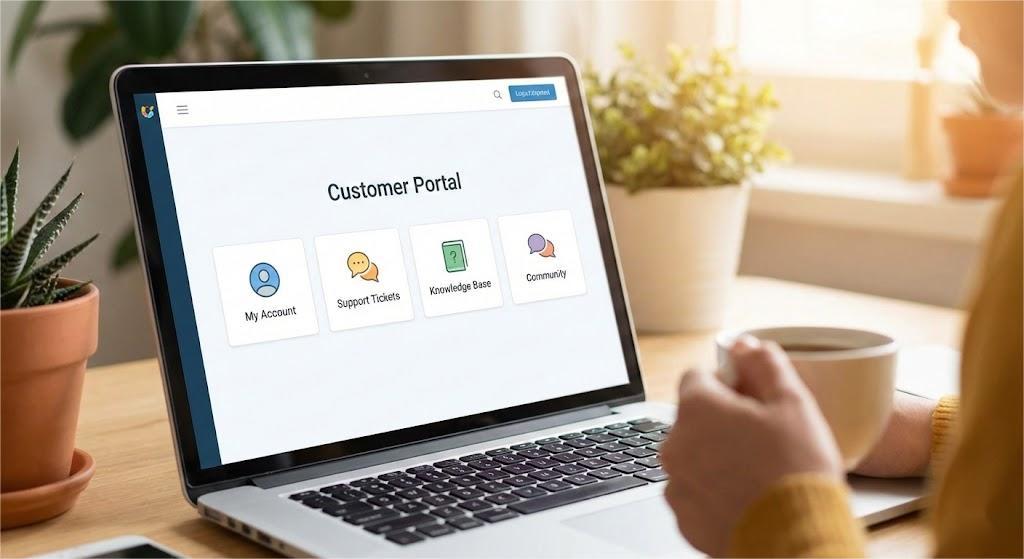
A customer portal is an app or platform where customers can manage account details and complete basic actions related to orders, support, and billing.
Customers prefer this type of experience these days because of the control it gives. Zendesk’s report shows that 67% of customers would rather use self-service than speak with a company representative for simple requests.
If brands want to continuously meet customer expectations, investing in a customer service portal is a must.
In this article, we’ll talk about customer portals in detail: what they are, their benefits, and the must-have and advanced features.
What is a Customer Portal?
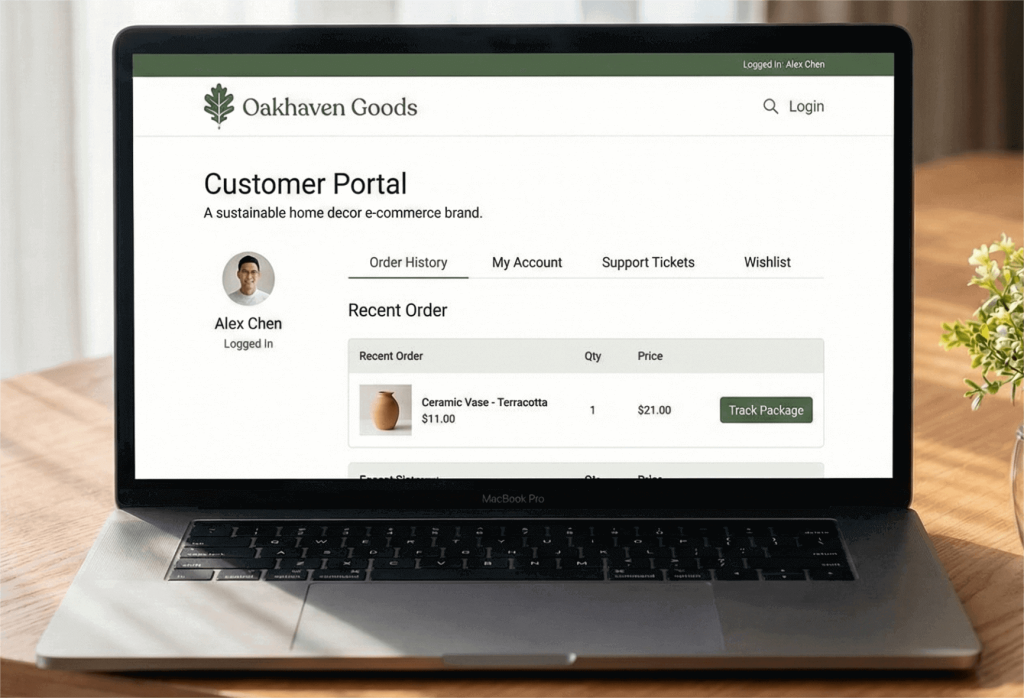
A customer portal is a private space where customers log in to manage their account and (ongoing) relationship with a business. It can be on a company’s website or within a dedicated mobile app.
Inside the portal, customers can handle simple tasks on their own. That includes changing account details, submitting support tickets, and accessing the knowledge base.
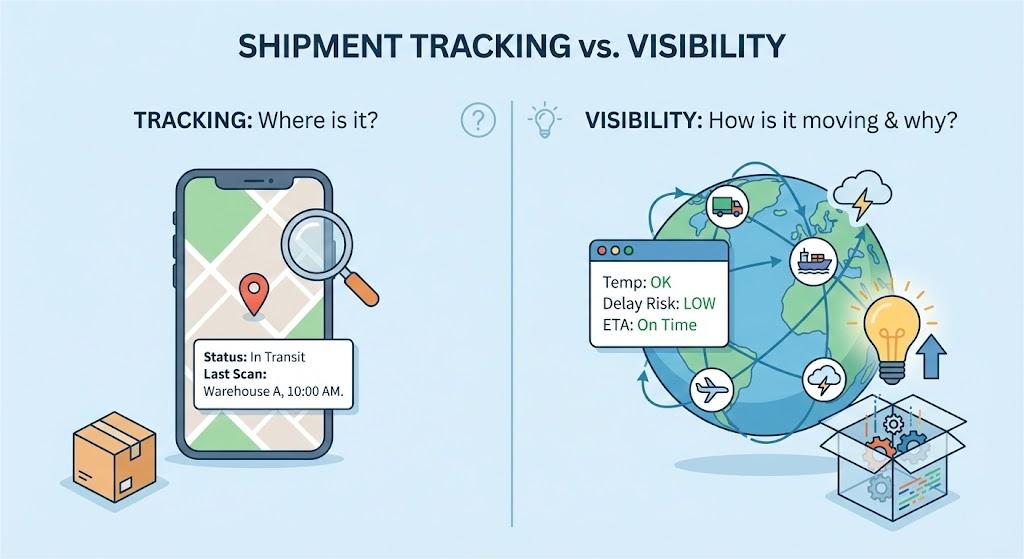
When connected to other systems, such as a CRM, ERP, or a shipment-tracking platform, it can support additional actions.
Customers can update shipping addresses, manage delivery options, track orders, and submit requests such as refunds or order cancellations.
The Difference: Help Center vs. Customer Portal
While both the help center and the customer portal are self-service, they support customers in different ways.
A help center focuses on general guidance. It helps customers find answers to common questions through FAQs, how-to articles, and troubleshooting guides.
On the other hand, a customer portal is personalized. It connects customers to their account activity, so the information and actions they see are tied to their specific situation.
If you want to see a more detailed comparison between the two, here’s a table for that:
| Feature | Basic Help Center | Modern Customer Portal |
| Access | Public / Anonymous | Authenticated / Secure Login |
| Content | General FAQs & Articles | Personalized Data & Order History |
| Interactivity | Read-Only | Transactional (Edit, Track, Buy) |
| Data Source | Static CMS | Real-time CRM/ERP Sync |
Strategic Benefits of Implementing a Customer Portal
Most businesses already use email, phone, or live chat to support customers. They’re great for responding to questions and issues as they come up. But a customer portal reduces the need for customers to contact support by giving them a dedicated hub to take action on their own.
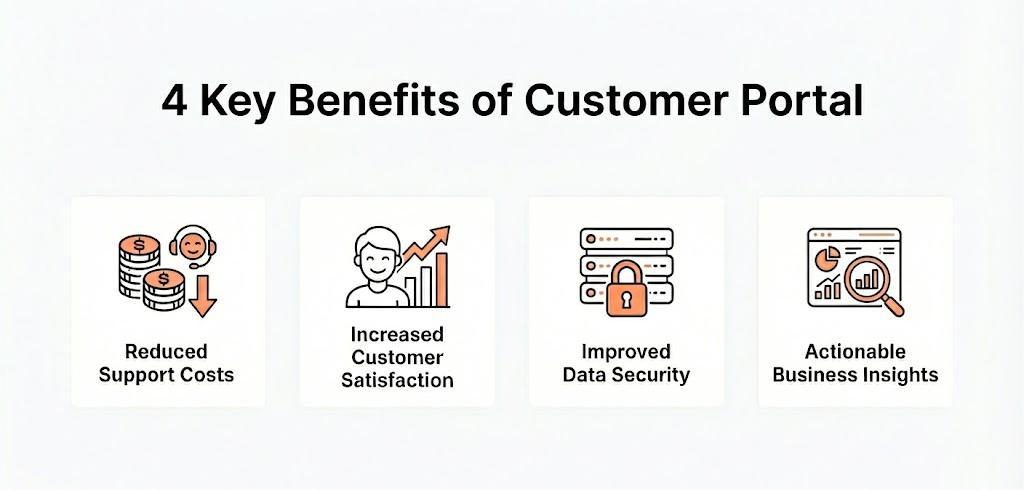
Reduced Support Costs
Most support tickets are predictable. Customers ask things like “Where is my order?”, “Has it shipped?” “Can I change my address?”, or “How do I start a return?”
How about having a portal that lets them handle these questions themselves?
Imagine one customer realizes their package hasn’t arrived yet. Instead of calling or emailing support and waiting for a response, they log into the customer portal. They can see their order status, track the shipment in real time right away, and even update their delivery address if needed.
Since the portal handles automated responses on this type of request, your support team doesn’t have to step in. They can focus on more complex issues (like a lost or damaged package).
Teams will also end up with fewer tickets, and with that, support costs go down.
Increased Customer Satisfaction
HubSpot’s live chat report shows that 90% of customers view an immediate response as important or very important. They want instant answers without being “held” in a phone queue or waiting for a live chat reply.
Imagine that if a customer chose the wrong size in one of their orders, the usual option is to submit a request and wait for confirmation.
However, with a customer portal, the customer can log in, go to their order details, and update the item. This quick resolution removes uncertainty for customers. And since they can access it 24/7, they also have more control over changes (outside the regular support hours).
Improved Data Security
WWD’s report on data security showed that 76% of customers worry about the safety of their personal details when shopping online. They fear being at risk of identity theft, data breaches, and financial fraud.
A customer portal adds an extra layer of protection by encrypting information and securing access. Customers can upload documents, submit forms, or enter payment details without worrying about them being leaked or stolen.
This safer way of handling sensitive information increases customers’ trust and confidence when transacting with your business.
Actionable Business Insights
These self-service portals can also reveal solid insights that other touchpoints might not.
With the customer portal, you can track data that shows how customers interact with key sections of their accounts. That can include top searches, frequently visited pages, repeated actions (like checking the same page multiple times), and unfinished actions (like leaving items in the cart or abandoning a form).
These behaviors can signal customer pain points that need attention. Let’s say the most searched query is “where to contact support”. That might mean your customer service’s details aren’t visible enough.
You can use these analytics to improve your knowledge base, adjust workflows, and optimize your ecommerce operations.
6 Essential Features of Customer Portal Software
These are the core features every customer portal software should include to protect data, support customer actions, and simplify account management:
- Personalized User Dashboards: This feature serves as an editable “home base” that displays only relevant data the customer chooses (like active services, recent orders, or important notifications). That way, they can easily focus their energy on what needs action.
- Real-Time Order & Shipment Tracking: Real-time tracking allows customers to see the order status, shipping milestones, and delivery estimates for each order. It keeps them in the loop and notifies them of any delays or issues.
- Seamless Account & Profile Management: Your customer portal should also let customers edit basic information, passwords, and preferences (i.e., communication and payment methods). This keeps account details up to date and allows customers to make changes immediately without contacting your team.
- Comprehensive Support Ticket Tracking: When customers submit a request, they want to see its progress. Support ticket tracking lets them view open and resolved inquiries, current status, and support history in one place. It helps reduce follow-ups.
- Centralized Billing and Document History: This feature gives customers access to invoices, receipts, contracts, and other important account records. When you make these documents available for download at any time, you provide transparency, which helps build trust in your brand.
- Secure Single Sign-On (SSO) & Multi-Factor Authentication (MFA): Your customer portal must be well secured, as it contains sensitive customer information. MFA allows you to add that extra “verification step” so accounts stay protected (even if login details were exposed). Pair it with SSO to give customers a convenient way to access their accounts with a single login credential.
Advanced Features to Elevate Your Customer Portal
Once the core features are in place, advanced capabilities enable your customer portal to do more than provide basic self-service options. Here, we’ll focus on automation, personalization, and intelligent assistance:
AI-Powered Knowledge Base Search
A knowledge base is a repository of help content, such as FAQs, how-to guides, and policies, where customers can find answers to their questions on their own. With AI capabilities (like natural language processing), portals can give more direct and intent-based answers faster.
For example, customers type a question (i.e., “can I get a refund?”) and the AI will direct them to the right page even if they don’t use the exact term or keyword. Plus, it also analyzes behavior and search patterns to suggest related knowledge-base articles.
Having this in your portal will help customers find answers with fewer clicks. Not only can it reduce support tickets, but it also boosts customer satisfaction by improving self-service efficiency.
AI Agents for Task Automation
AI agents are smart assistants that can understand what customers want and help them get it done.
They can guide users through tasks (like showing how to change a delivery address or start a return). The process becomes easier and quicker as customers don’t have to wait for a support representative.
For simple actions, the AI can even handle them directly. They can use automation to update account info, process basic returns, check order status, or even schedule deliveries.
How about for more complicated customer requests? AI also knows when to pass it along to a human agent, so they always get the right help.
With guidance, automation, and smart escalation, AI agents reduce support tickets, speed up responses, and free up your team so they can focus on tasks that need decision-making.
Personalized Deals and Incentives
Personalized deals and incentives turn the customer portal into a marketing and engagement channel.
It pulls data from purchase history, browsing activity, loyalty status, location, and recent order behavior to surface offers that are relevant to that specific customer.
If a customer receives a damaged item and completes a return, the portal can automatically present a store credit or a limited-time incentive once the return is processed. This helps with customer retention as it softens the impact of the negative experience.
Personalized incentives also work well for repeat purchases. For existing customers, it can provide early access to new products, “VIP” offers, or loyalty perks based on their history.
This way, merchants can increase sales more effectively by placing offers within an environment that customers already trust and use for account management.
Seamless Escalation to Live Support
Self-service works well mostly for basic requests. But it can’t solve every single issue, and some can only be resolved with human help.
Your customer portal should make it easy for users to move from self-service to live support when a situation becomes more complex.
With automatic escalation, customers can reach an agent directly from the portal while keeping all the context intact, such as order details, actions already taken, and previous messages. So, agents can step in with full visibility, and customers don’t have to repeat themselves. This will make support feel connected rather than fragmented.
For merchants, this creates a better balance between automation and human support. Simple requests stay self-serve, while complex cases are handled faster and more accurately.
Conclusion
Customer portals have influenced the modern customer experience greatly. Instead of asking for updates, customers can now check account information, track activity, or reach support when needed. This not only speeds up service but also enhances overall customer satisfaction.
For ecommerce brands, it is an investment for long-term scalability. Self-service options save costs, reduce support workload, and offer valuable insights into customer behavior, helping brands make smarter marketing and product decisions.
FAQs about Customer Portal
You can build a well-designed customer portal by choosing a platform that fits your needs. Some popular options include Zendesk, Salesforce, and HubSpot. After that, decide what you want the portal to handle. Then set up secure logins (for sensitive customer data) and organize key pages such as dashboards and FAQs. Don’t forget to apply your branding and test it. Once it passes the usability checks, it’s time to launch your portal.
Customer portal software is a secure online platform where users can log in to manage their customer accounts, view order history, track requests, and find answers on their own. It’s usually accessible through a website or a mobile app.
The best customer portal software depends on what you want the portal to handle. But here are some popular options you can check:
Zendesk: Best if your customer portal is closely tied to support tickets, help content, and self-service.
Salesforce: A solid choice if you need deep CRM integration and want a 360-degree view of customer interactions across sales, service, and support.
Zoho Creator: A strong option if you need a highly customizable portal built around your own workflows.
SuiteDash: Works well if you want a portal that combines client access with billing, documents, and basic account management.
You can boost ROI with a customer portal by automating routine work. When your customers can manage basic tasks (like checking order details or tracking requests) on their own, your support costs drop. Plus, data on how customers use the portal helps you address issues and improve your workflow and business operations.
Easton has 3 years of experience researching and writing about e-commerce and logistics. She enjoys sharing the latest industry trends and insights with readers.